
- /
- /
- /
Not to Exceed Technician
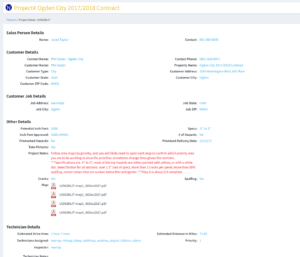
When the Technician is assigned a Not To Exceed (NTE) project, the instructions are very simple. They are shown where to go and the Area’s that need to be cut. These Area Maps are uploaded by the Salesperson. The Technician proceeds to the Area and cuts the hazards entering the data into the Production side of BidBoss. See the Example below.
When they are done for the day, the Technician can enter any notes about the days work, select Complete in the Terminal and then Send their data in BidBoss. Selecting Complete removes it from the iPad so it can be reassigned again. Operations then takes the BidBoss Data and uploads it into the Terminal so the Salesperson can see how much has been cut and the Inch Feet is added to the Technicians Time Card. In the next version of the Terminal this will be automated.