
- /
- /
- /
Not To Exceed Projects
A “Not to Exceed” project is a scenario where the customer has given you a dollar amount to fix Trip Hazards within an area. You can take care of all the trip hazards in a particular area but “not exceed” their given budget amount.
Since you know what you charge per inch foot or per hazard, and you know the budget amount (not to exceed), you can calculate the number of inch feet the technicians can cut in that particular area.
Here’s how you can create a “Not to Exceed” project and send the information to the Operations:
First click the “+” button on the top right hand side of your dashboard screen.
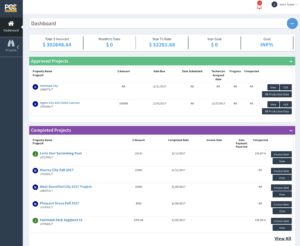
Next Select the “Not to Exceed” project type.
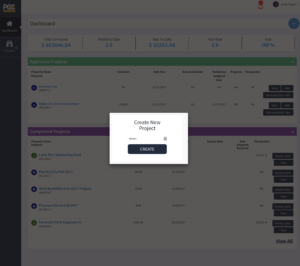
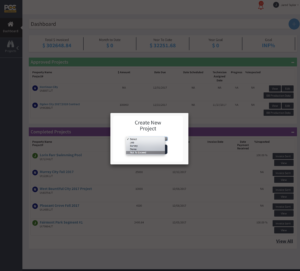
Then fill out all the information requested. With “Not To Exceed” Projects, its particularly important to specify in the Notes field any additional information that Operations/Technicians would need to know. Like what street to start on, what area to go to first, etc.
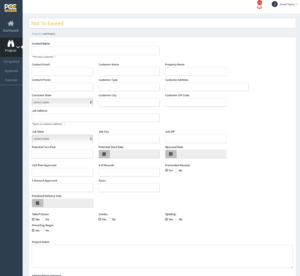
Upload the map and signed approval forms. In this case the Map is an Area Map or Streets that are highlighted on a Map so the Technicians know where to go.
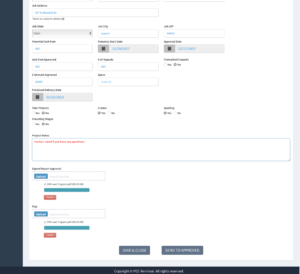
Click the Save and Close button, review all the data, make sure the maps and everything got uploaded correctly. Then click “Send to Approved”.
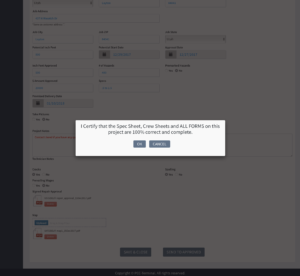
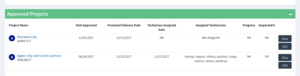
It will then show up in the approved category on your dashboard, the data will go to Operations and they will execute from there.
All “Not to Exceed” projects will have a circle with an “N” inside.