
- /
- /
- /
Demonstration’s Project
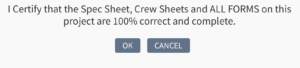
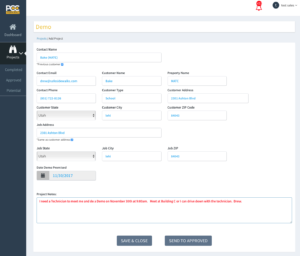
Creating a Demo Project: Fill in the required fields. If the Job Address is the same as the Customer Address – select the small checkbox. Enter the Date Demo Promised and any other information that the Operations Director / Lead Tech needs to know and then either Save & Close or Send To Approved. Save & Close allows you to come back and work on it again before sending to Operations. Once Send To Approved is selected – the information cannot be changed except the Notes Field. A warning will pop up and ask you to Verify that ALL your information is correct:
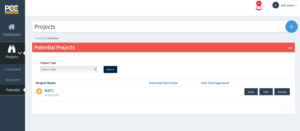
If you Save & Close, the Demo Project is moved to the Potential section under Projects and you can View, Edit or Delete it.
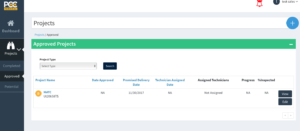
If you Send To Approved, the Demo Project is then sent to Operations for further action and moved to the Approved section under Projects.