
- /
- /
- /
Invoicing
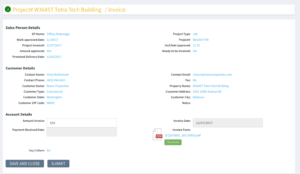
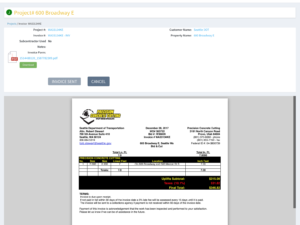
Once a Job is completed by the Technicians and Operations, it is sent back to the Salesperson for Invoicing. We have our Salespeople create their own invoices using a standard form and then either send directly to the customer or send to accounting and they will send it out. Select Generate Invoice to upload a PDF of the invoice.
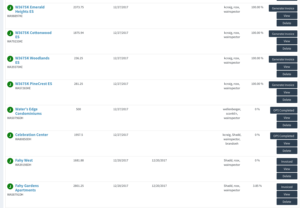
The Accounting department will get notice that the Project has been invoiced and the Date invoiced will be shown to the Salesperson and Accounting on the Accountants Login.
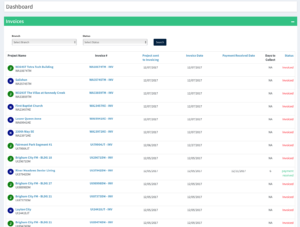
Once Payment has been received the Accountant can enter that information and the Salesperson knows their customer has paid. The real accounting portion happens in your accounting program. This information is a way to track customer and invoice and lets the Salesperson know the status of their project and customer.