

- /
- /
- /
Survey – Operations
When a sales team member needs the technicians to go out and do a survey they’ll put it into the terminal. You’ll receive the data on your dashboard and be able to assign it to the technicians to go gather the information with BidBoss. Once the data has been gathered, it will go to the sales people to process it and turn it into a proposal.
Here are the steps:
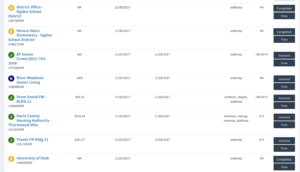
Look at the dashboard and see the yellow circle with the “S” inside.
Click on the project and you can see the map that the sales person added, and the instructions that were given regarding the survey.
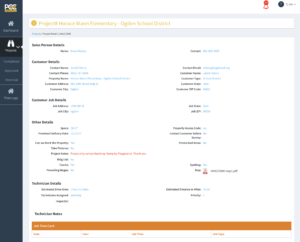
You will then assign the survey to the technicians that you’ll want to go survey the site. It is critical that the instructions are complete to make sure that the BidBoss data that is gathered is accurate. Once the Technician has completed the Survey it will be sent back to Operations for review. After reviewing to make sure the Survey was completed, select Complete and the Survey will move from Operations back the SalesPerson.